We started FloDraw as a better way to draw architecture. Along the way we noticed something: the most valuable conversations we had about our own products — vision, personas, requirements, architecture, hard decisions — happened before a single diagram existed. And every one of those conversations evaporated into a chat thread the moment it ended.
Meanwhile, the coding agents we build with every day (Claude Code, Cursor) got brilliant at how — and stayed stuck at why. Every session starts with re-explaining the product from scratch. Long sessions drift, not because the agent has a bad memory, but because it was never given anything to follow in the first place — just a prompt, and whatever it could infer from the code around it.
An agent isn't missing memory. It's missing direction — a documented, connected picture of the product it's building, that it can consult instead of guess at.
So we rebuilt FloDraw to provide exactly that.
FloDraw is the visual workspace where you design a product — and your coding agent reads that workspace as its documented direction.
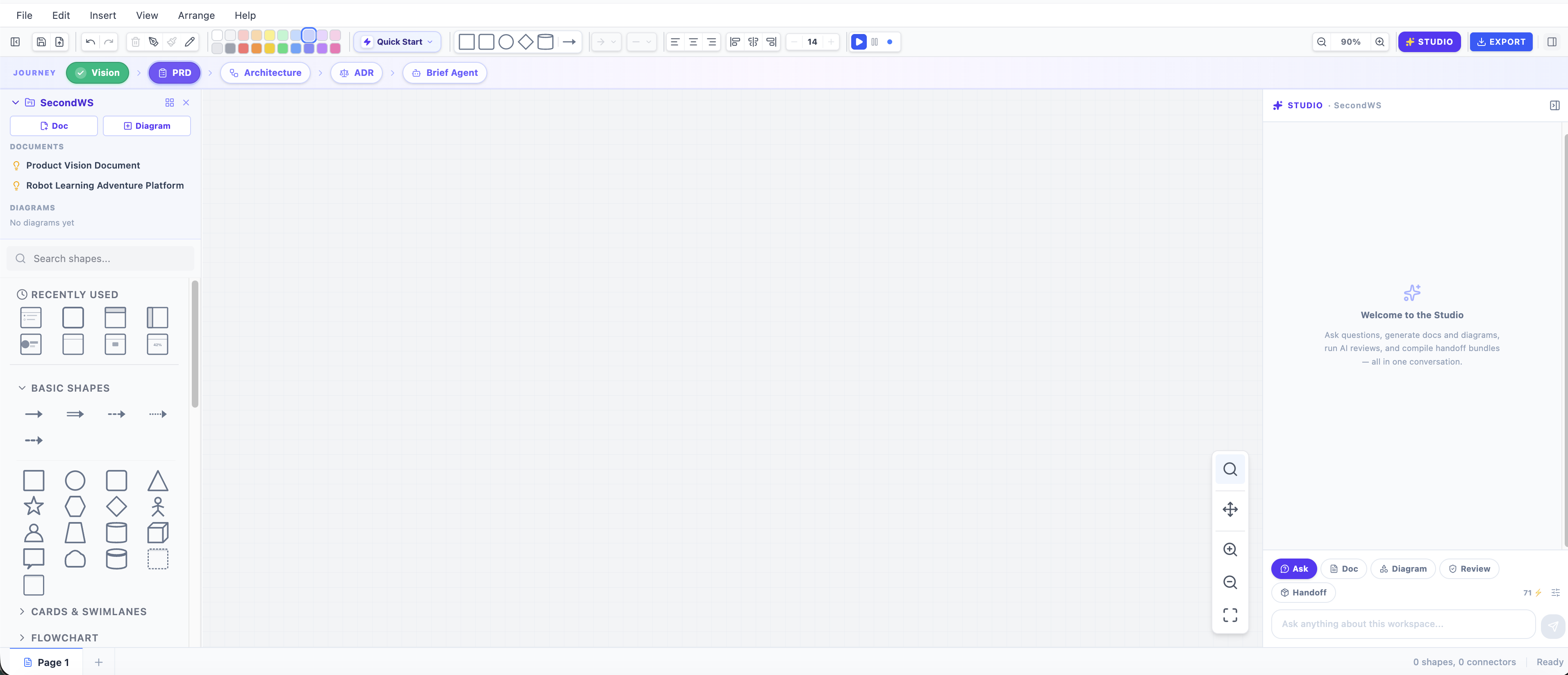
Everything Now Lives in a Workspace
A Workspace is your product's home in FloDraw — one place for its vision, PRD, architecture diagrams, and ADRs, all connected instead of scattered across tools. Diagrams were the whole product before; now they're one artifact among several, sitting next to the documents that explain why they look the way they do.
Open a workspace and you get an artifact rail down the side — every doc and diagram you've created, one click from anywhere in the app — and a breadcrumb up top that always answers "which product am I in?"
Studio: One Chat, Every Artifact
The AI prompt bar is gone. So is the old Spec Writer console. In their place: Studio, one conversational surface for the whole workspace.
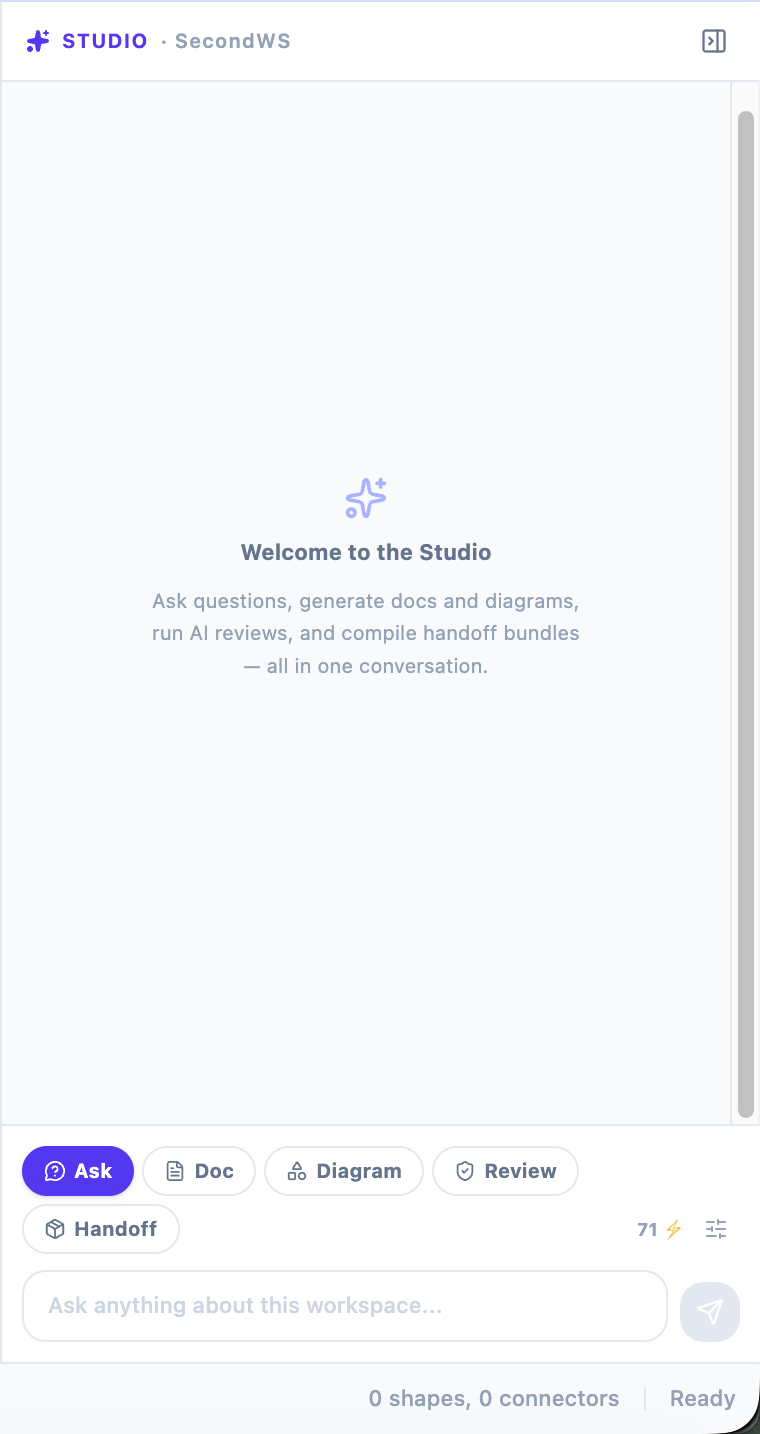
Five chips, all in the same thread:
- Doc — generate a vision, PRD, RFC, or ADR, grounded in what you actually type, not just a template
- Diagram — generate or edit the architecture conversationally
- Ask — ask anything, answered with your whole workspace as context
- Review — a guided, multi-turn architectural critique (general or AWS Well-Architected) that can adjust your canvas as you talk
- Handoff — compile the
.agents/bundle for your coding agent and push it to GitHub
Every artifact Studio creates saves itself into the workspace automatically. Nothing you generate is thrown away at the end of a session.
Starting From Nothing — Or From Everything
Create a new workspace and Studio asks the only question that matters: "What are you building?"
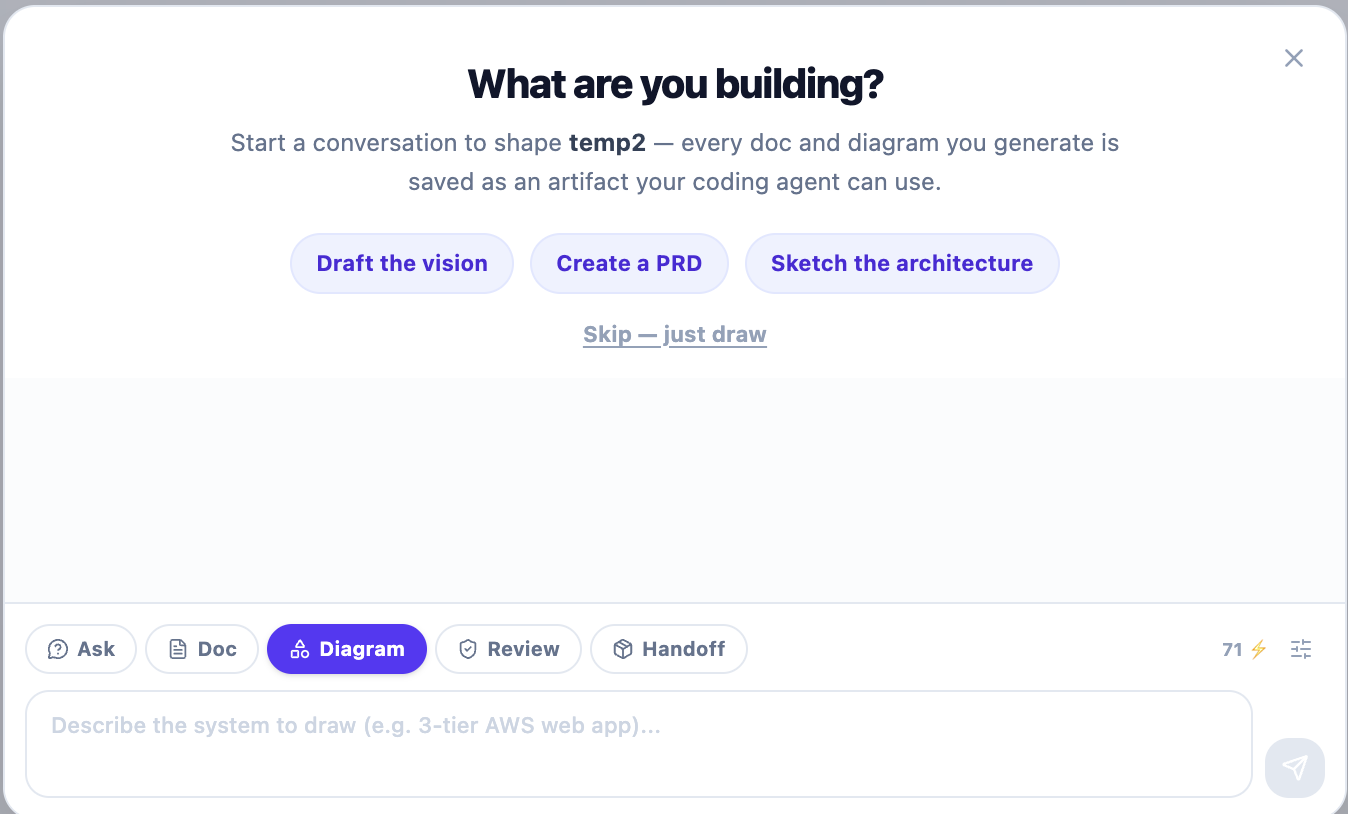
Answer it, and your words become the vision doc. From there, Studio suggests the next artifact — draft a PRD, then the architecture, then an ADR — so building a product feels like a conversation, not a checklist.
But not everyone is starting from an idea. If you already have a system, tell FloDraw that when you create the workspace, and it skips straight to the canvas — draw your architecture, or import it directly from a GitHub repo. From there you can work backward: generate the PRD and vision from the architecture you already have, documenting a real system instead of speccing an imaginary one.
The journey is a map, not a route. Walk it forward from an idea, or start at the architecture and radiate outward. Either way, you end up in the same place: a complete, connected workspace.
The Roadmap Keeps You Oriented
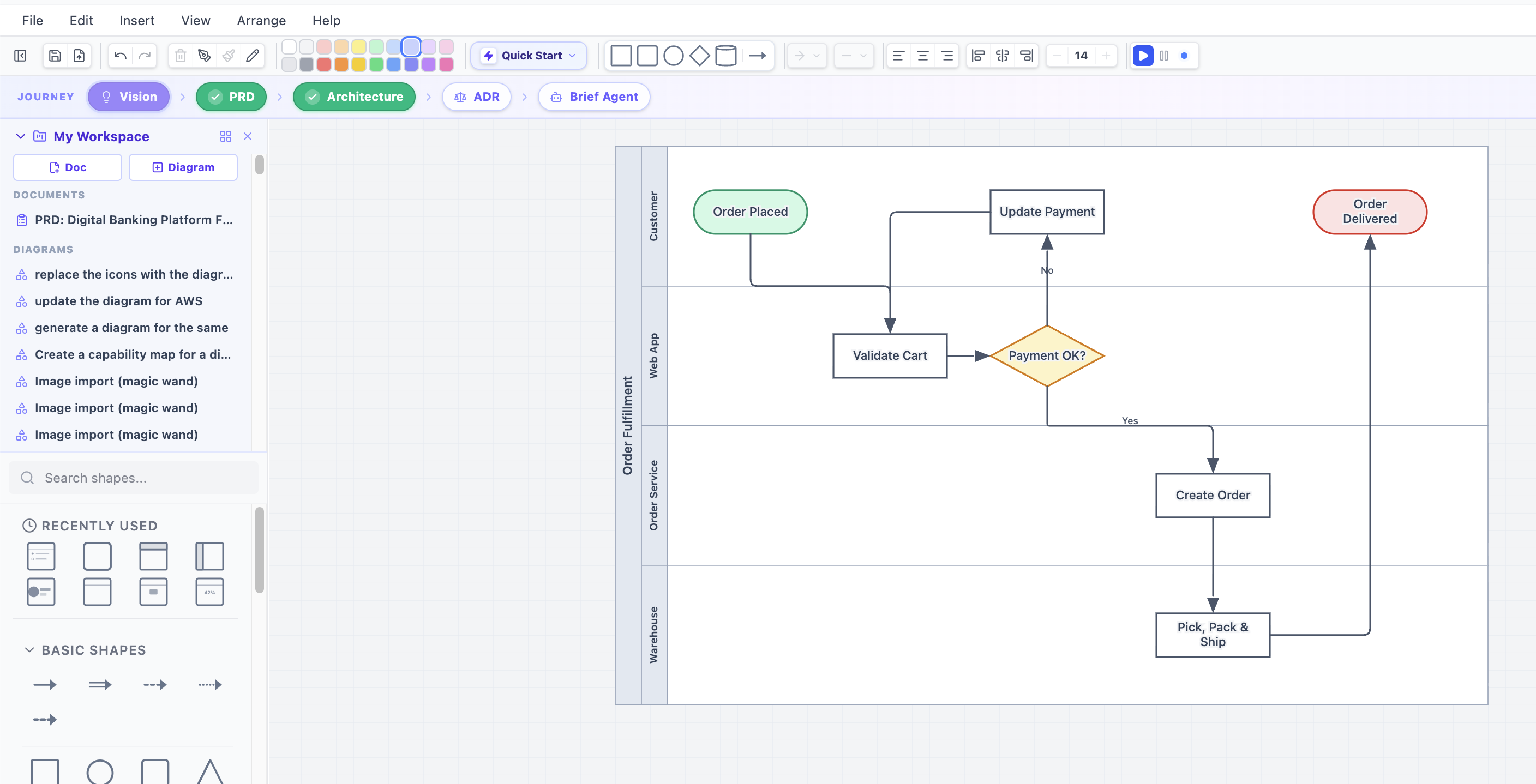
A thin strip above the canvas always shows where your workspace stands — Vision → PRD → Architecture → ADR → Brief Agent — with the next useful step highlighted. Click any step to jump straight into Studio with the right prompt ready to go.
The Payoff: Your Agent Reads a Direction, Not a Prompt
This is the part that changes how you actually build. Point Claude Code or Cursor at your FloDraw workspace, and it reads your vision, PRD, architecture, and ADRs as documented direction — over MCP, or exported straight into your repo.
> Read my FloDraw workspace for Atlas Academy and implement the
  mission-progress API, respecting the architecture and the ADRs.
No context pasting. No re-explaining the product for the fourth time this week. The agent isn't recalling anything — it's consulting a direction you wrote down, one turn at a time, that stays put whether the session is five minutes old or five weeks old.
Try It
Open FloDraw, create a workspace, and answer one question: what are you building? Or, if you're mid-project already, tell it you have an existing system and start from your architecture instead. Either way, five minutes in you'll have more than a diagram — you'll have a workspace your coding agent can actually understand.
This is the start, not the finish. Specialist AI architects, domain knowledge packs, and deeper agent collaboration are next — but the foundation is live today.